
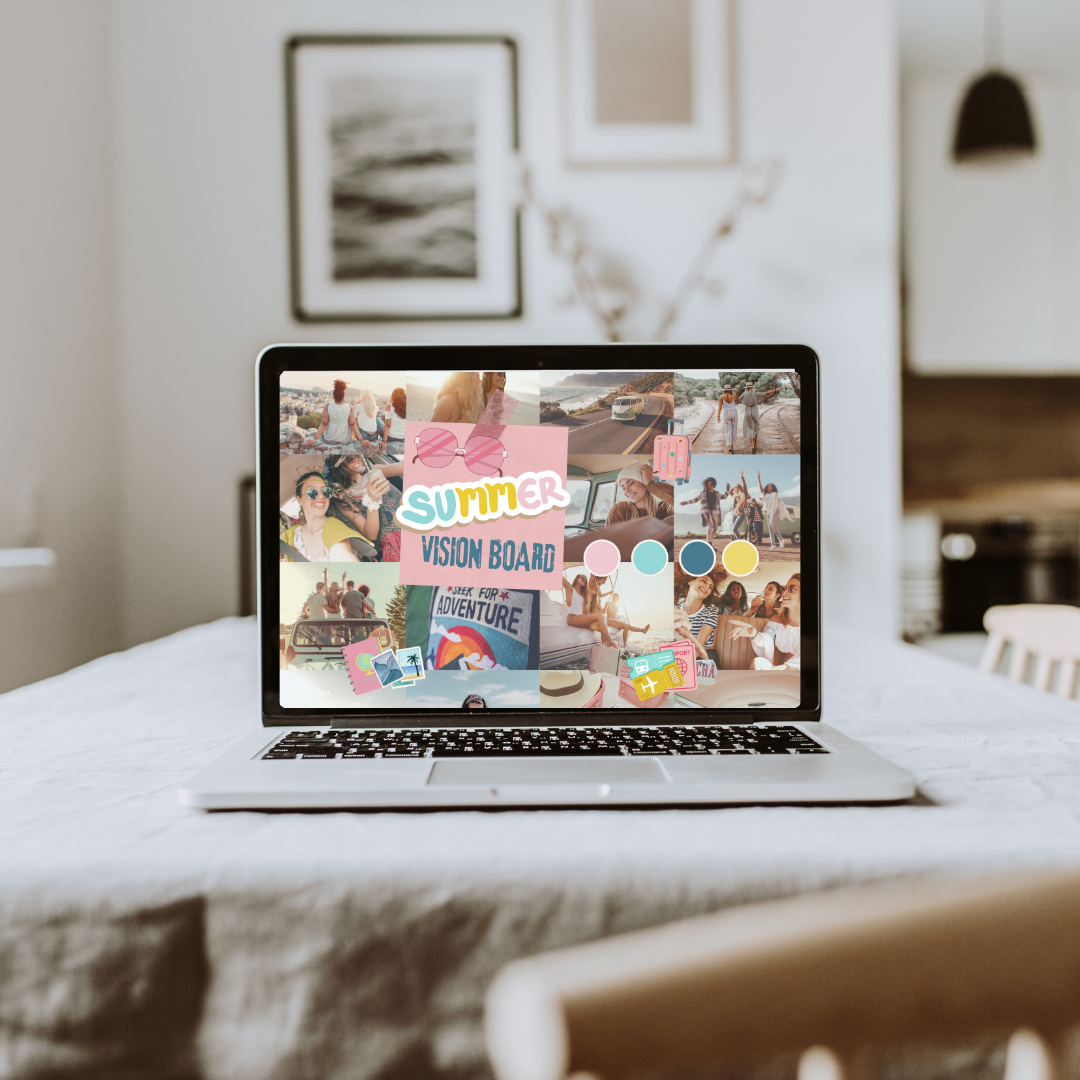
Wait, Screensavers Are Vision Boards Now?
Yep, and honestly… it makes so much sense.
Think about it—you’re already staring at your phone screen how many times a day? Depending on the study, it’s somewhere between 80–100+ glances. That’s 80+ chances to remind yourself of what matters, where you're headed, and who you're becoming.
In the past, vision boards lived on cork boards, poster paper, or tucked inside journals. But now, they’re going where our focus already lives—on our screens. It's the ultimate “set it and see it” method.
Why Digital Vision Boards Work
Whether you believe in the Law of Attraction, or just the power of daily focus, here's why digital vision boards—especially as screensavers—are trending and effective:
- Repetition builds intention. Seeing your goals over and over wires them deeper into your subconscious.
- They reduce digital overwhelm. Instead of being hit with 10 unread emails, you're first met with your vision.
- They’re portable and private. No one has to see your dreams unless you want them to.
- Aesthetic = emotion. A beautifully designed vision board feels inspiring, and that emotional spark matters.
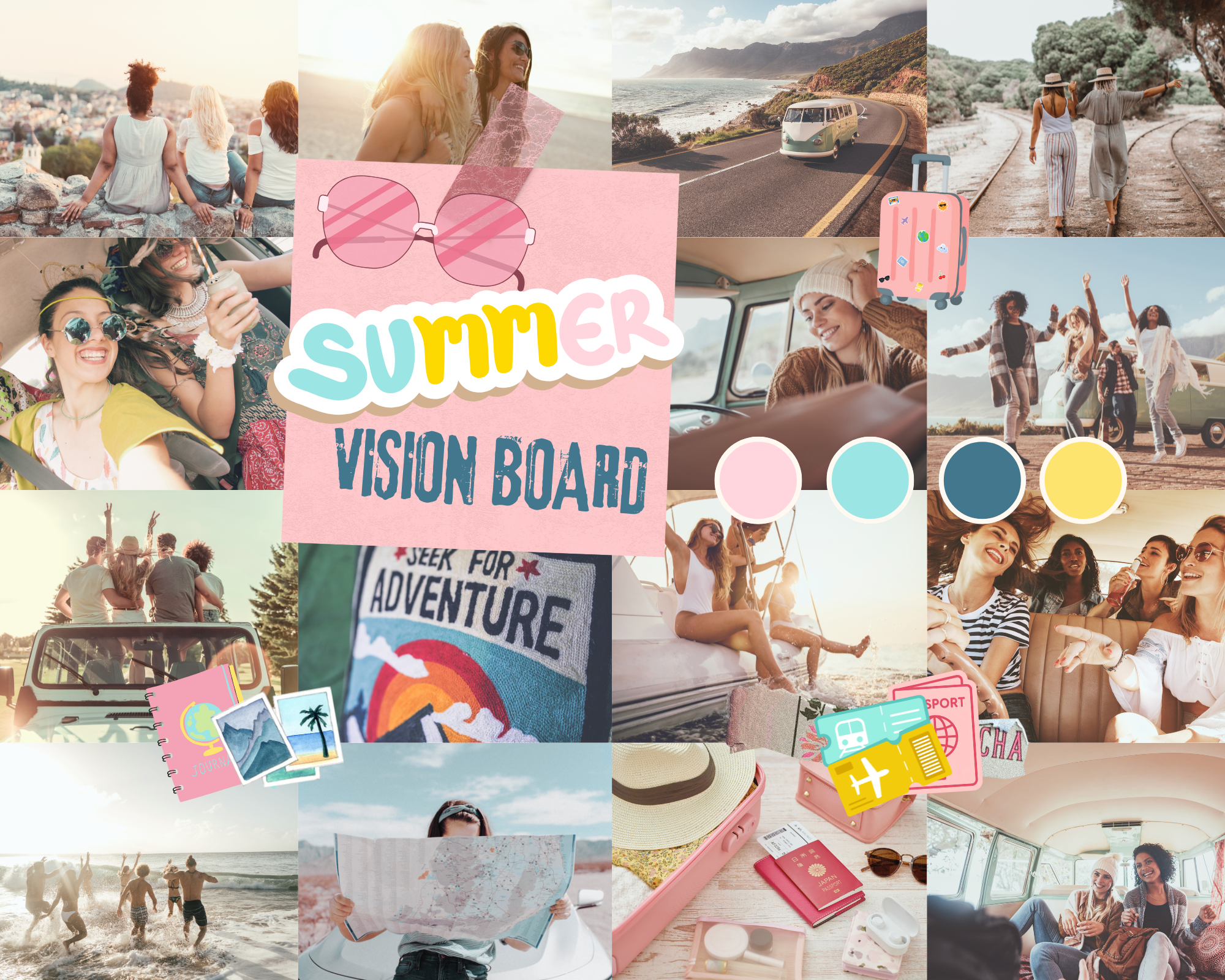
How to Make Your Own Digital Vision Board Screensaver
Don’t worry—you don’t need to be a graphic designer to create one. In fact, it can be as simple or curated as you want.
1. Get Clear on What You Want
Ask yourself:
- What do I want to feel this year?
- What do I want to create, attract, or heal?
- What themes are showing up in my life (or what do I want to invite in)?
Common categories to include:
- Career or business goals
- Health & wellness
- Travel dreams
- Personal development
- Relationships
- Spirituality or mindset themes
- Words or affirmations
Write these down. Clarity before collage, always.
2. Gather Your Inspo & Images
Your goal is to find visuals that match the vibe—not necessarily literal representations.
Great image sources:
- Pinterest (Create a secret “Vision Screensaver” board)
- Unsplash / Pexels (For free, high-res photos)
- Canva Elements (Great for aesthetic icons, minimalist graphics)
- Your own photos! A reminder that you're already on the path
3. Create Your Layout
Now it’s time to put it all together.
Free Tools to Use:
- Canva (Template: “Laptop Wallpaper” or “Phone Wallpaper”)
- PicMonkey
- Notion Widgets (Yes, you can create vision boards as widgets too!)
- Over or Mojo (for mobile editing)
Recommended sizes:
- Phone: 1080 x 1920 px
- Laptop/Desktop: 1920 x 1080 px
Create a collage of your images, quotes, and affirmations. Layer them. Overlap. Leave space to breathe.
Consider adding:
- A personal mantra
- A power word for the year ("Aligned", "Unstoppable", "Peace", etc.)
- A small calendar if you like visual tracking
4. Set It as Your Screensaver or Wallpaper
Once you’re happy with your design, export it as a JPG or PNG and...
- On your phone: Set it as your lock screen or home background.
- On your laptop: Set it as your screensaver or desktop wallpaper.
- Tablet? Smartwatch? Yep, those too. Go full immersive mode.
How to Manifest with It Daily (Without Overthinking It)
You don’t have to stare at your board like it’s a test. Manifestation is less about effort and more about attention + emotion + consistency.
Here’s how to gently let it work:
- Pause for 3 seconds when you open your device. Let the vibe soak in.
- Pair it with a quick mantra: “I’m open to the life I’m creating.”
- Use it as a journaling prompt: What small step today moves me closer to this vision?
It’s about nudging your energy, not forcing results. Let the board remind you who you are becoming.

What’s on My 2026 Screensaver?
Since you asked... (okay, you didn’t, but I’m sharing anyway 😅)
Here’s what I’ve included on mine:
- A photo of an aesthetic, clean office space (hello, writing vibes!)
- The word “Abundance” in a bold font
- A Greek sunrise shot for manifesting travel
- A photo of my family to represent my reason
- The quote: “What you focus on expands.”
And yes—every time I open my laptop, I feel a little nudge toward that life. We all have to stat somehwere.
FAQs About Digital Vision Boards
Can I make a digital vision board without being “woo-woo”?
100%. You don’t have to believe in manifestation magic to benefit from having a clear, visual reminder of your goals.
Should I update it throughout the year?
Totally up to you! Some people change it with the seasons. Others let it ride for the year. Do what feels aligned.
What if I don’t like cluttered images?
Try a minimalist layout—maybe just 3 core visuals, a word, and a vibe. Vision boards don’t have to be busy to be effective.
Can I make one on my phone only?
Absolutely! Canva has an app, and you can build right on your phone and set it instantly as your lock screen.
Final Thoughts: This Trend’s More Than Aesthetic
In a world where our attention is constantly hijacked by notifications and noise, choosing what we see first is an act of quiet rebellion. Setting your own vibe, your own goals, your own visual language? That’s powerful.
So next time you open your laptop or check your texts, let your future self be the first thing you see.