
Audio Visual Hire in Auckland: What Matters Before You Book

Planning a meeting, workshop, or community event in Tāmaki Makaurau often comes down to a few practical decisions. Where will people sit? Will everyone hear the speaker? Can the slides be read from the back row? Sorting the gear can feel like the hard part, but it is mostly about asking the right questions early.
This guide is a plain-English walkthrough of what to sort before you book. We will cover how to right-size the equipment for your room, how to build a budget without surprises, when you need a technician on site, and which local rules are worth checking.
A quick snapshot of what you actually need
Room and audience first Start with the headcount and the shape of the space. Twenty people in a boardroom is a different job from a hundred people in a hall. Think about seating, sightlines, and the back row. A bigger crowd usually means a brighter projector, a larger screen, and enough speakers so no one strains to listen.
Content type changes the gear list
What you are presenting matters just as much as how many people are watching. A simple slide deck needs far less than a panel discussion with several speakers, and a hybrid session adds cameras and a reliable connection. Video with sound also raises the bar for audio quality. Write down your run of show so the gear matches the event. Consider how visual displays like projectors and screens will work for your audience, and ensure your presentation materials are properly supported by the right equipment.
When DIY is fine, and when you need a tech
For a small internal meeting with one presenter and a projector, DIY hire is often fine. The picture changes when you have multiple microphones, live switching, tight timing, or a paying audience. If a glitch would derail the event hosting, having someone on site to run the desk is usually worth the cost.
Budgeting without surprises
AV pricing is easier to compare when you break it into equipment, labour, and logistics. Once you separate those three areas, quotes become much clearer.
Typical day rates you will see in Auckland
Rates vary by supplier and season, so treat these as rough benchmarks. AV World lists projectors from around $99 a day for a 2200 to 3000 lumen unit, about $180 for 3500 to 5000 lumens, and roughly $300 for a 7000 lumen model. Screens run from about $90 a day for a 100-inch pull-up screen up to around $290 for a 120-inch floor electric screen. Ashken lists a 3600 lumen projector and screen package from about $260, with delivery charged separately.
What packages include, and what is extra
Read what is bundled before you compare totals. A package might include the projector, screen, speakers, microphones, a mixer, and cables. Common extras include delivery, setup and pack down, on-site operators, and out-of-hours fees. Check the list line by line rather than assuming every package includes every item you need.
Add contingency and check GST
Prices are often quoted before GST, so confirm whether the number includes it. Add a 10 to 15 per cent contingency for an extra cable, spare microphone, or delivery window that runs long.
Local rules you should check before you sign
These points are high level, not legal advice. When in doubt, check with your venue and the relevant authority.
Noise and hours basics
The Auckland Unitary Plan sets expectations for event noise. Under section E40.6.4, venues outside the City Centre and Metropolitan Centres may host up to 15 noise events over a 12-month period, typically ending by 11 pm and meeting a 70 dB LAeq average sound limit. Rules depend on your venue's zone, so confirm the specifics with Auckland Council or your venue before you lock in sound levels or a finish time.
Power and safety conditions
Auckland Council's standard event conditions require RCD protection on self-generated power. RCDs are sometimes called lifeguard switches, and they help reduce electric shock risk. Council also expects equipment to be compliant and safe. WorkSafe treats event organisers as PCBUs with a primary duty of care, and that duty cannot simply be handed to your AV provider.
Lead times and availability in Auckland
Good gear gets booked out, especially in busy months. Edwards, an Auckland AV hire company operating locally since 1965, advises booking at least a month or two ahead during peak season. If your date is fixed and popular, treat that as a minimum.
The 10-minute pre-booking checklist
Run through this list before you send an enquiry. It takes minutes and can save hours.
- Confirm headcount and content type.
- Decide display size, whether a TV, projector, or LED wall.
- Count microphones needed for speakers and panels.
- Map cabling routes and power points.
- Set crew hours, including setup and pack down.
- Agree a delivery and pickup window.
- List venue contacts and access times.
- Check permits, notifications, and noise limits.
- Confirm GST and add a small contingency.
- Note a backup plan for the essentials.
Where to book or compare options in Auckland
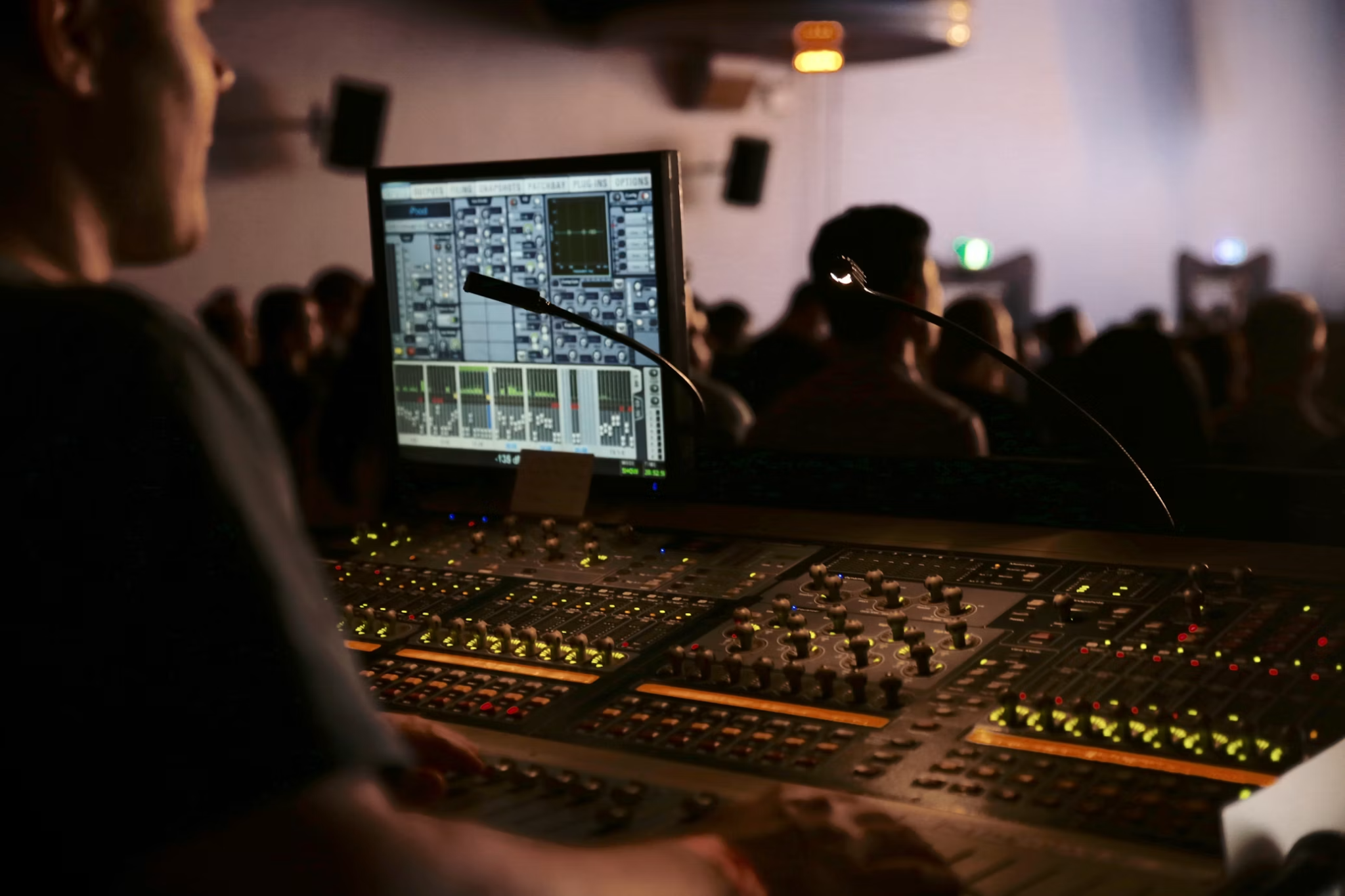
Broadly, you have two paths. The do-it-yourself route means you collect or receive the kit and run it yourself, which suits simple, low-risk setups and tighter budgets. The staffed route means a technician sets up, runs the desk, and packs down, which suits panels, hybrid sessions, and anything where a hiccup would be visible.
If you are comparing turnkey providers for audio visual hire Auckland, look for packages that clearly state the gear, setup requirements, and support included. As a reference point, Provision lists a Small AV Package at $765 plus GST with a 3200 lumen WUXGA projector, a 2.1m pull-up screen, one powered speaker, one wireless microphone, a mixer, and cables. Its Medium AV Package is listed at $975 plus GST and steps up to a brighter 5000 to 5500 lumen projector, two QSC K10 speakers, and two wireless microphones. Provision also lists add-ons such as on-site technical support, larger screens, draping and staging, TV displays, and LED walls.
Whichever way you lean, compare like with like. Line up the equipment list, labour, and logistics side by side rather than judging on the headline number alone. A simple checklist can help you spot missing details before you confirm.Sample small room setups that just workUse these common configurations as starting points you can adapt to the room.
Up to around 30 people
A 60-inch display or a 3200-lumen projector, one powered speaker, one handheld microphone, and a simple mixer will usually cover a small workshop or team meeting. Do-it-yourself hire can work, provided you test everything before people arrive.
Around 50 to 120 people
Step up to a 5000 lumen projector, two speakers, two microphones, and a mixer. At this size, sightlines and audio coverage get trickier. If there is a panel or a packed agenda, an on-site technician earns their keep.
Conclusion
The job gets easier when you take it in order. Right-size the kit to your room and audience, budget for labour and logistics rather than just the equipment, and confirm the local rules that apply to your venue and date. Providers such as Provision can be useful when you want equipment and on-site support handled together, while simpler events may only need basic hire. Either way, a short planning session now is the best insurance for a smooth event later.